AI tools can reduce repetitive work in a YouTube workflow, but they do not supply audience insight, original experience or editorial responsibility. Choose tools by the task they improve, not by the number of features they advertise.
Research and idea development
Use AI to group audience questions, compare angles and organize notes. Supply current primary sources and ask the model to flag uncertainty. Do not ask it to invent demand, competitor results or “viral” topics.
Scripting
Generate outlines before full drafts. Add demonstrations, sources and personal examples to every major section. Read the script aloud and remove language you would not naturally use.
Thumbnail and title development
Generate distinct concepts for review, then check each package for clarity, accuracy and mobile readability. Use YouTube’s native testing workflow when available and judge results with watch time as well as CTR.
Editing and repurposing
Transcription, caption cleanup, silence detection and rough clip selection can save repetitive work. Review context, rights and platform fit before publishing an adapted asset.
Analytics and diagnostics
YouTube Studio remains the source of truth. AI can organize traffic sources, retention moments and packaging checks, but predictions and scores are hypotheses.
How to evaluate any tool
| Measure | Review method |
|---|---|
| Time saved | Compare the same task across three similar videos. |
| Revision work | Count substantial manual corrections. |
| Factual errors | Record issues caught before publication. |
| Data access | Review permissions, export and deletion controls. |
| Output quality | Judge usefulness, accuracy and brand fit. |
Where YourAI Studio fits
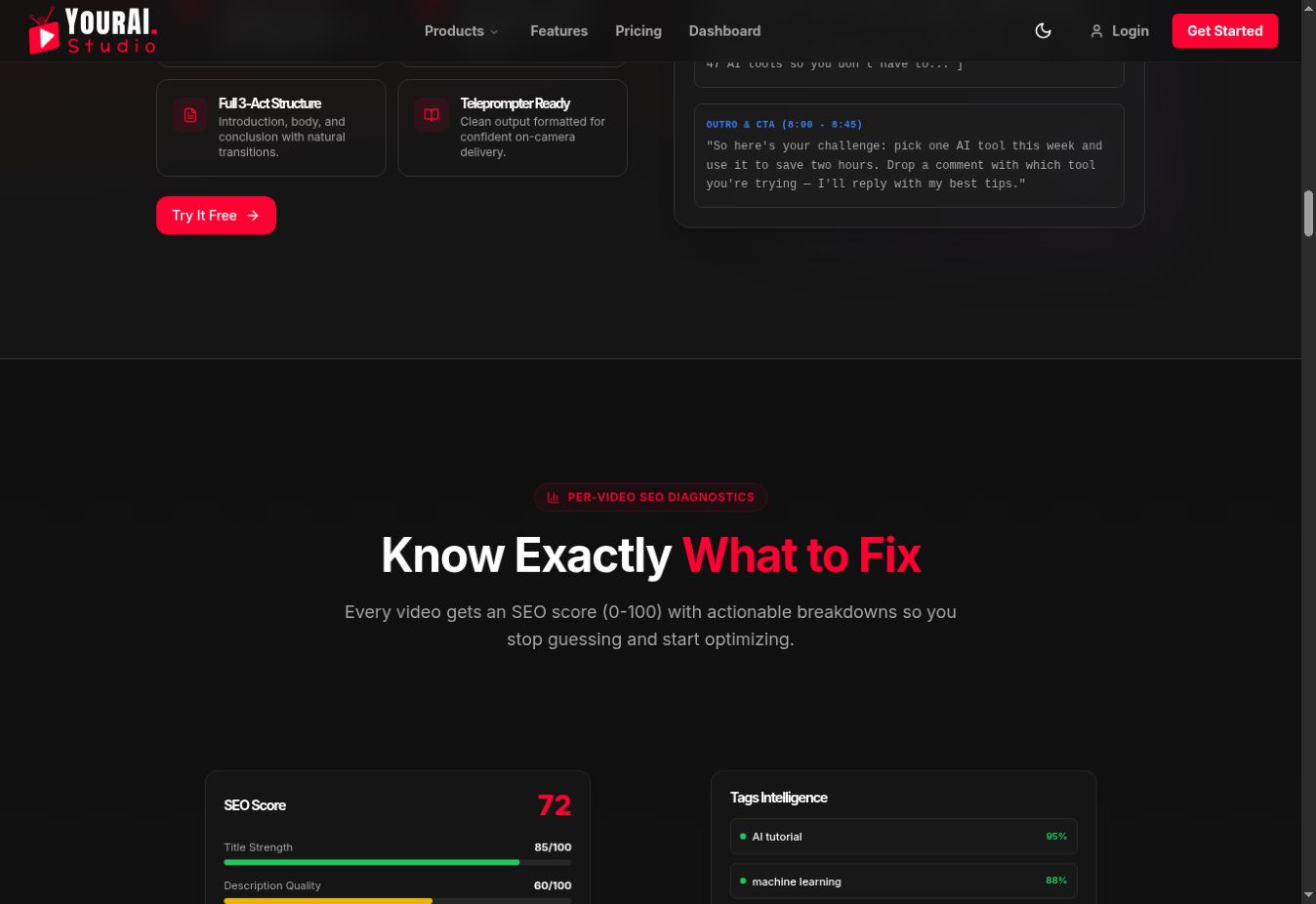
The public interface presents scripting, per-video SEO diagnostics, comment replies, a production pipeline and channel analytics. We verified those public sections on September 1, 2026, but did not treat demo metrics as proven user outcomes.
Review the current YourAI Studio workflow and confirm plan limits on the live pricing page.