AI tools can reduce repetitive work in a YouTube workflow, but a longer tool list does not create a better channel. The right stack depends on the bottleneck: research, scripting, recording, editing, packaging, publishing or analysis. This guide compares practical categories and explains how to test a tool before paying for it.
How this comparison was evaluated
- Does the tool solve a specific creator task?
- Can a creator verify and edit the output?
- Does it fit the rest of the publishing workflow?
- Are privacy, channel access and data controls clear?
- Does it improve quality or save measurable time?
Features and prices change frequently. Confirm current limits on each provider’s official website before buying.
1. YourAI Studio for an integrated creator workflow
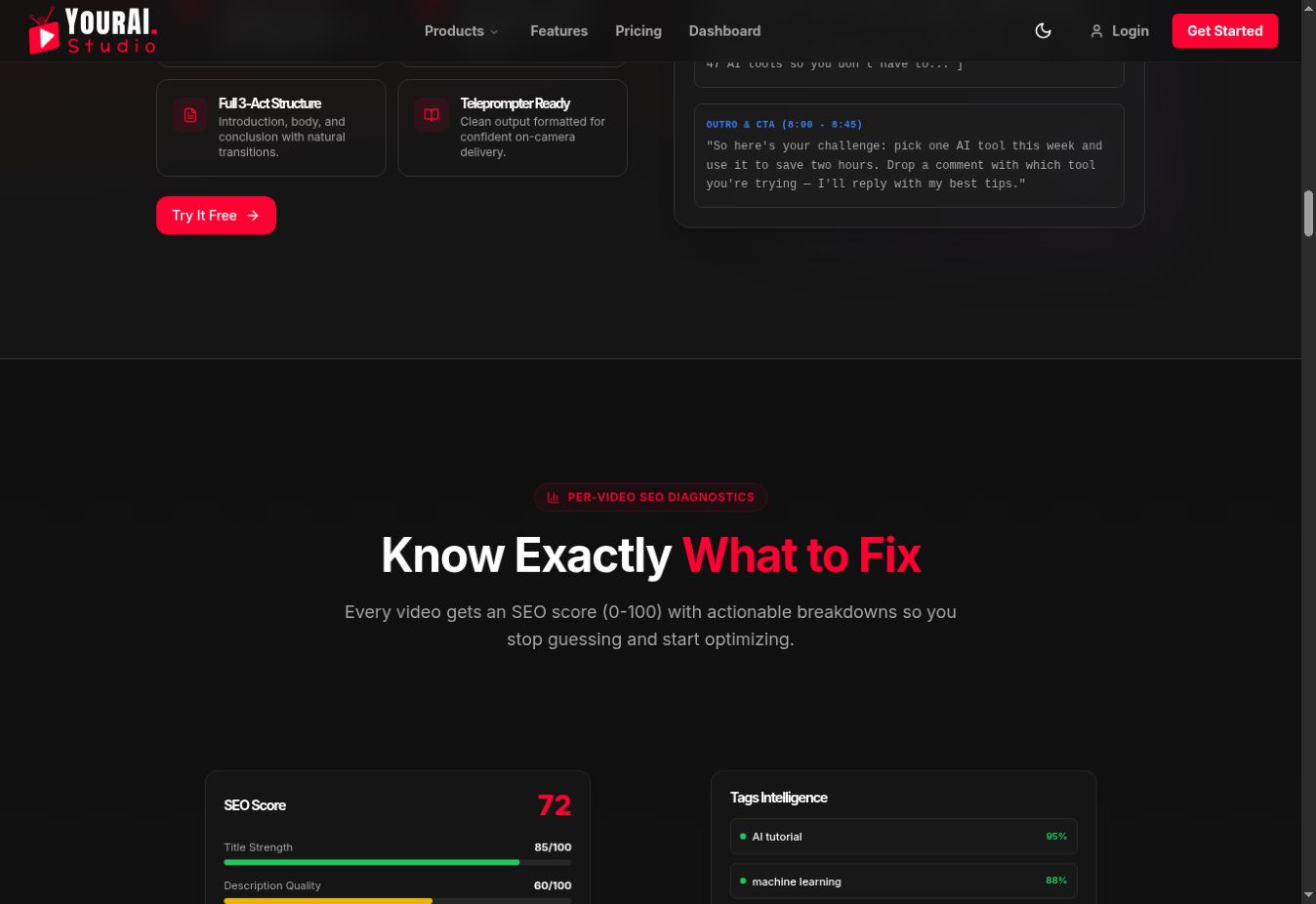
YourAI Studio presents connected-channel analytics, SEO diagnostics, title and description suggestions, thumbnail guidance, competitor research, comment replies, scripting, screen recording and direct YouTube publishing in one product.
What we verified directly
We reviewed the public product interface on September 1, 2026. It shows separate workflows for script structure, per-video SEO diagnostics, comment replies, a production pipeline, channel analytics and multiple AI models. The current pricing page lists a free Starter plan and paid Professional and Enterprise plans.
We could not verify authenticated channel sync or measure time savings without signing into a user account. We therefore do not present the public demo numbers, testimonials or performance percentages as proven customer outcomes.
2. ChatGPT, Claude or Gemini for drafting
General AI assistants are flexible for outlines, research questions, interview preparation and first drafts. Their weakness is context: they do not automatically know your current channel performance. Give them a clear brief, verify every factual statement and rewrite the output in your own voice.
3. Canva or Adobe tools for design
Template and image tools can speed up thumbnail and channel-asset production. The template is only a starting point. Check the result at mobile size and make sure the design accurately represents the video.
4. Descript, CapCut or a traditional editor for production
Text-based and AI-assisted editors can speed up transcription, rough cuts, captions and cleanup. Choose based on the formats you publish, collaboration needs, export quality and the amount of manual control required.
5. YouTube Studio for first-party analytics
YouTube Studio remains the source of truth for impressions, CTR, traffic sources, watch time, retention and audience reports. Third-party tools can organize or interpret those metrics, but should not replace the underlying data.
Build the smallest useful stack
- List the three tasks consuming the most time each week.
- Choose one tool for the largest bottleneck.
- Test it on three real videos.
- Track time saved, revision count and downstream performance.
- Keep it only if the workflow is measurably better.
A simple evaluation worksheet
| Question | Before | After three videos |
|---|---|---|
| Minutes spent on the task | Record baseline | Record actual time |
| Manual revisions required | Count revisions | Count revisions |
| Factual or brand errors | Count errors | Count errors |
| Useful output produced | Describe current result | Describe changed result |
Common mistakes
- Buying overlapping subscriptions before defining the problem.
- Publishing generated scripts, titles or comments without review.
- Trusting a prediction or score as a guarantee.
- Giving broad channel permissions to a tool without checking its privacy controls.
Frequently asked questions
Can AI tools grow a channel automatically?
No. They can speed up analysis and production, but topic selection, originality, packaging and viewer satisfaction still determine performance.
Which tool should a new creator buy first?
Usually none. Start with YouTube Studio and free tiers until a repeated workflow problem is clear.
Should I use several AI models?
Only when different models produce meaningfully better results for specific tasks. More models can also create inconsistent voice and extra review work.