YouTube SEO is the process of making a video understandable to the right audience and then using viewer response to improve future publishing decisions. It is not a formula for guaranteed rankings.
Start with discovery intent
Decide whether the video is primarily designed for YouTube Search, Browse, Suggested, subscribers or an external audience. A search-led tutorial should answer a clear query. A Browse-led video can use more curiosity, but the subject still needs to be obvious.
Build an accurate title and thumbnail
- Make one promise the video actually delivers.
- Use natural language instead of repeating the target phrase.
- Check the thumbnail at mobile size.
- Let the image and title complement rather than duplicate each other.
- Avoid fabricated results, urgency or endorsements.
Use descriptions, captions, chapters and tags correctly
Write a unique description that summarizes the video, links useful sources and discloses relevant relationships. Review captions for names and technical terms. Add chapters when they improve navigation. Use tags mainly for context and common misspellings.
Read viewer response in context
| Pattern | Question |
|---|---|
| Few relevant impressions | Does the topic fit the audience and discovery source? |
| Impressions with weak CTR | Is the package clear and accurate? |
| Clicks with early retention loss | Does the opening deliver the promise? |
| Good viewing with little continuation | Is the next relevant video visible? |
There is no universal CTR or retention benchmark. Compare similar videos from the same channel and segment by traffic source.
A controlled update workflow
- Choose a video with enough data to diagnose.
- Record the date, title, thumbnail and traffic-source mix.
- Identify one bottleneck.
- Change one major variable.
- Wait for a comparable sample and document the result.
Using a diagnostic tool
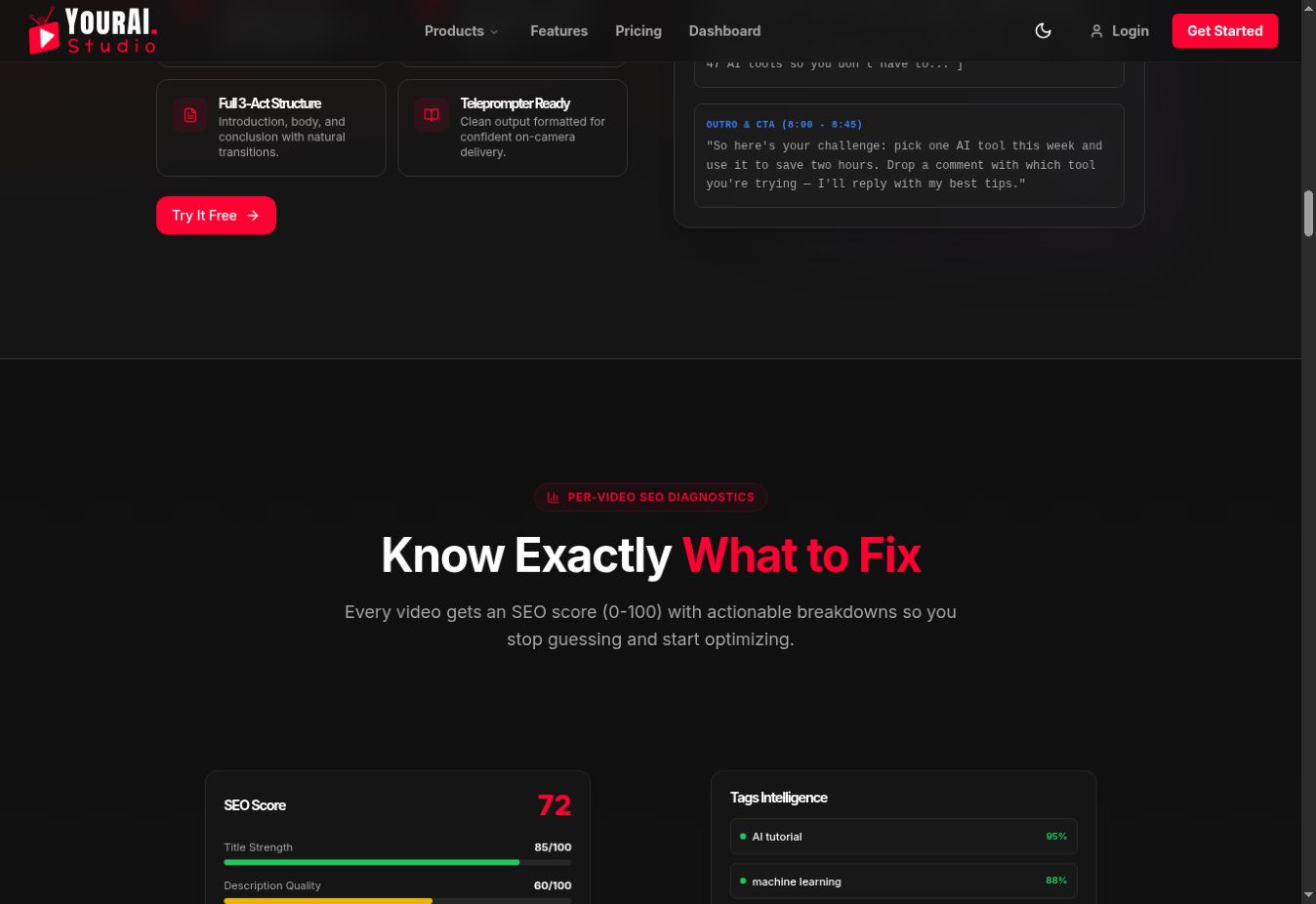
A checker can organize title, description, tag and channel-data reviews. The current public YourAI Studio interface visibly separates title strength, description quality, tag relevance, keyword overlap and prioritized improvements. Example scores are demonstration data, not customer results.
Open YourAI Studio if you want the workflow in one dashboard, then verify recommendations in YouTube Studio.